
Are you planning on entering into large (nation-wide) national circuit tournaments? Do you have to share your case? Tired of doing your own research, browsing through Google Search after Google Search trying to find the perfect pieces of evidence? It’s time that you learn about “the Wiki” – a.k.a. “OpenCaselist” – where the debate community shares its evidence at tournaments!
If you have competed in the local circuit within your state, you may not have been required to share your case / evidence with your opponents. On the other hand, evidence-sharing is essentially a must at many national circuit tournaments.
So what is “disclosure?” It is literally the sharing of debate evidence. You usually just disclose after the debate round has happened – not before – so that your future opponents are able to see the cases you ran previously.
This all begs the question: why should you disclose? Well, it’s good for the community overall: others can check whether you cited evidence correctly, people can access your sources to determine their reliability, disclosure helps others improve, and you can log your rounds. But if you don’t disclose – your opponent can run disclosure theory using all of the previous reasons to back up their claims on why you should lose the round. For now, just know that disclosing at national circuit tournaments is the safest option to not encounter disclosure theory, hence not lose the round.
This page will detail three things: how to use the Wiki, how to add your team/school to it, and how to add yourself once you’ve added your team (hence start disclosing)!

Using the Wiki
The Wiki is famously known to be a source of great evidence on the latest NSDA resolutions (helping you “steal cases”), given that a tournament on the topic has already happened. You can “ctrl + f” and search for a team and their debaters on the list to the left, or use the search bar at the top right side of the page, to find specific arguments.
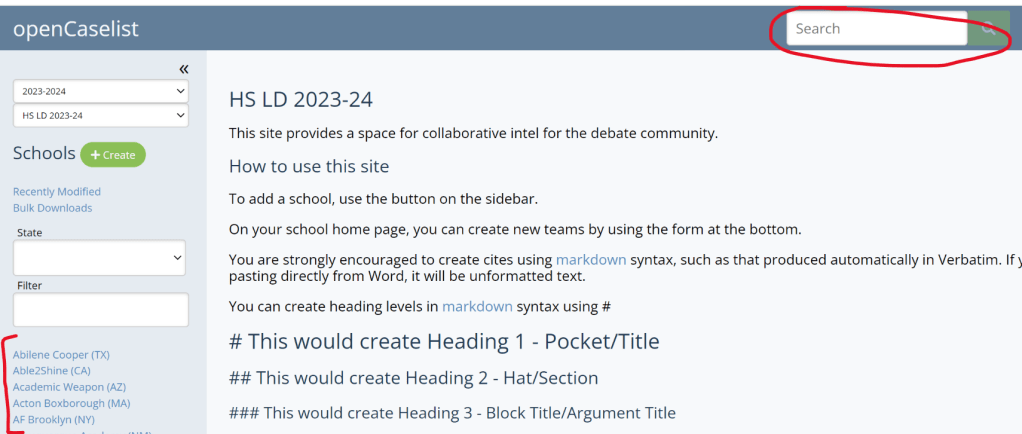
Warning to novices and new debaters about taking cases: I recommend still finding your own evidence, as it’s an important skill to develop within your first few months of debating. Additionally, many advanced arguments might be completely misunderstood by your judge if you read them in front of judges who are new or don’t evaluate them.

Adding a New School or Team
This section will help with adding your school or team if it isn’t already on the Wiki.
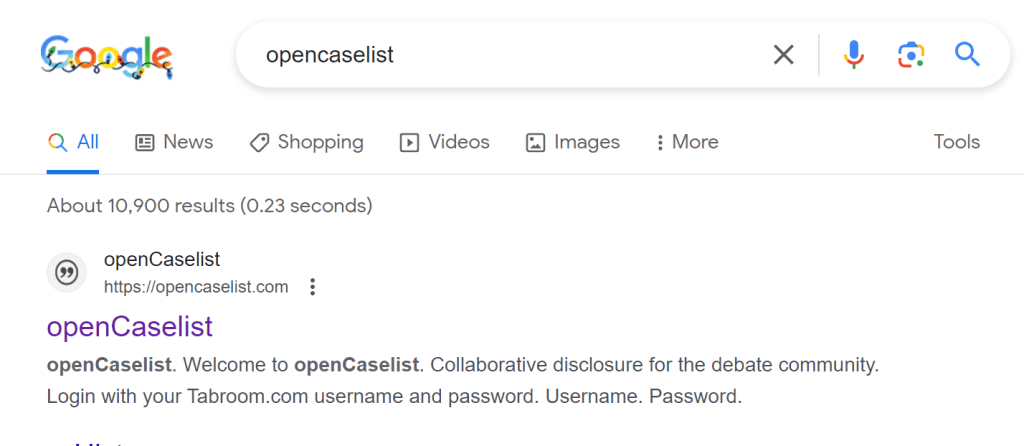
First off, search for “OpenCaselist” in Google, and click on the link below (usually the first result).
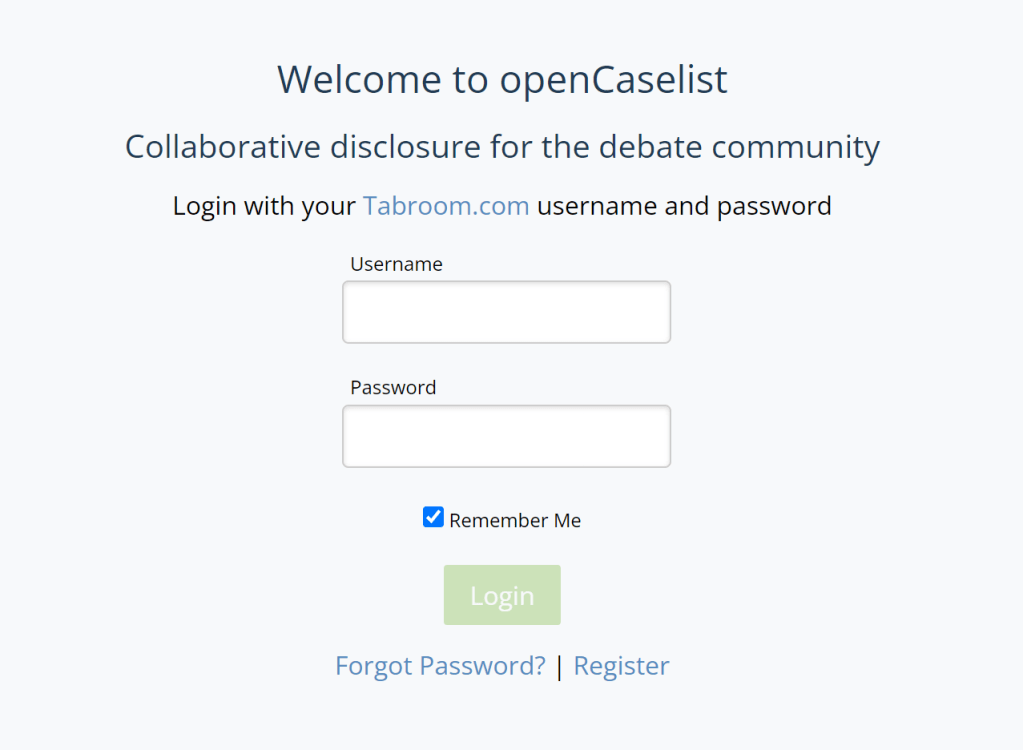
If you already have an NSDA (Tabroom) account, you’re good to go! Just login with your Tabroom account details. Otherwise, you must register for a Tabroom.com account with your institution/school.
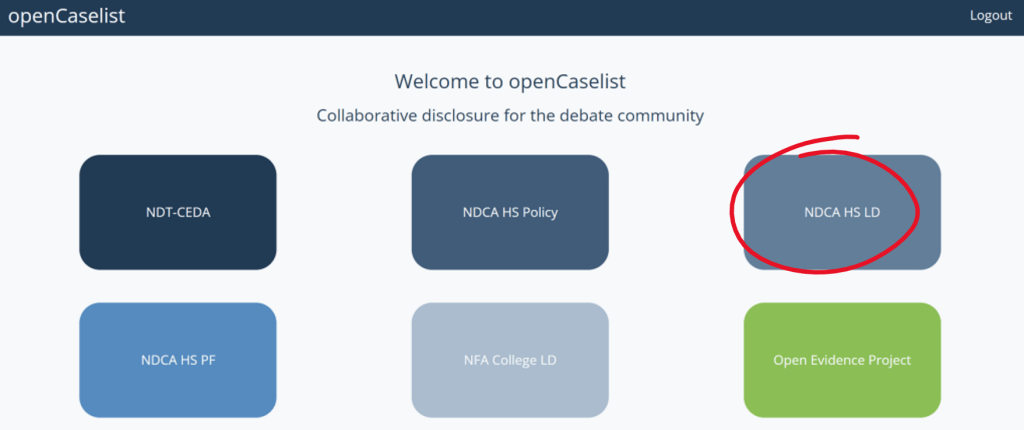
Click on the circuit or format of debate you do – in our case it is LD. Once you arrive on the home page, there is a wonderful video guiding you through the process of creating a Wiki page, which I highly recommend! The screenshots below will help show the process which I used to make my school’s page, as well as how you yourself can disclose afterwards.
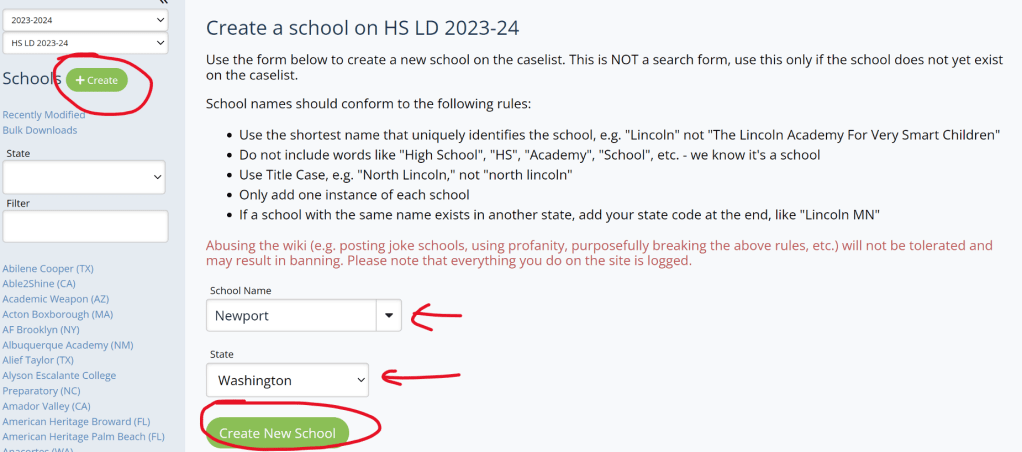
Next, if you’re creating a new section for your team/school, click “Create” at the top left, read through the rules, and fill out the information.
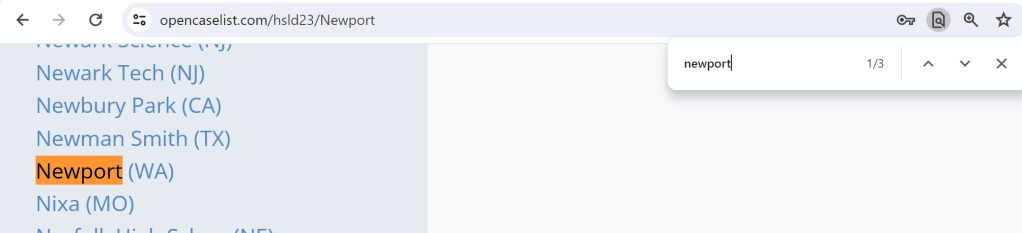
Once my school is added, I can “ctrl + f” to find it in the list on the left.
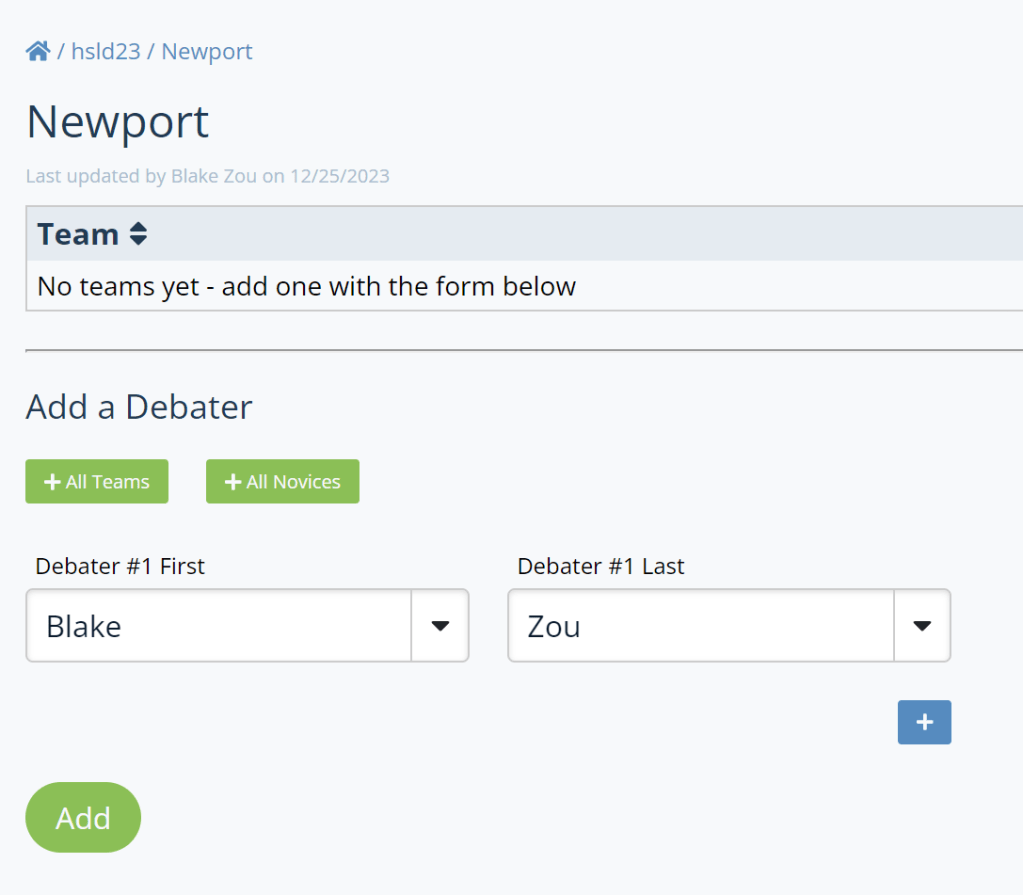
Now, you can add debaters part of the school, including yourself!
Adding Yourself to Your Team or School
Once your school is added to the Wiki, “ctrl + f” to find your school on the left-hand column.
Make sure you have the right school name and state that it is in – then add your full name.
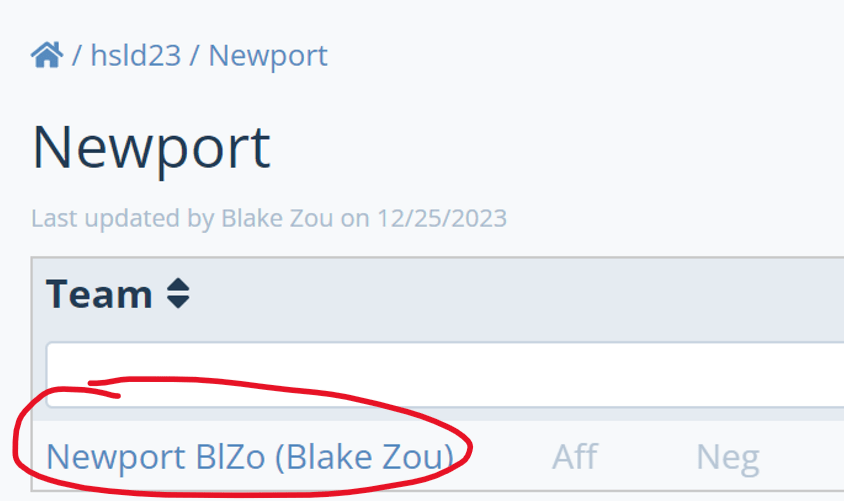
Now that I’ve added myself, I can click on my name and open up my page to start disclosing!
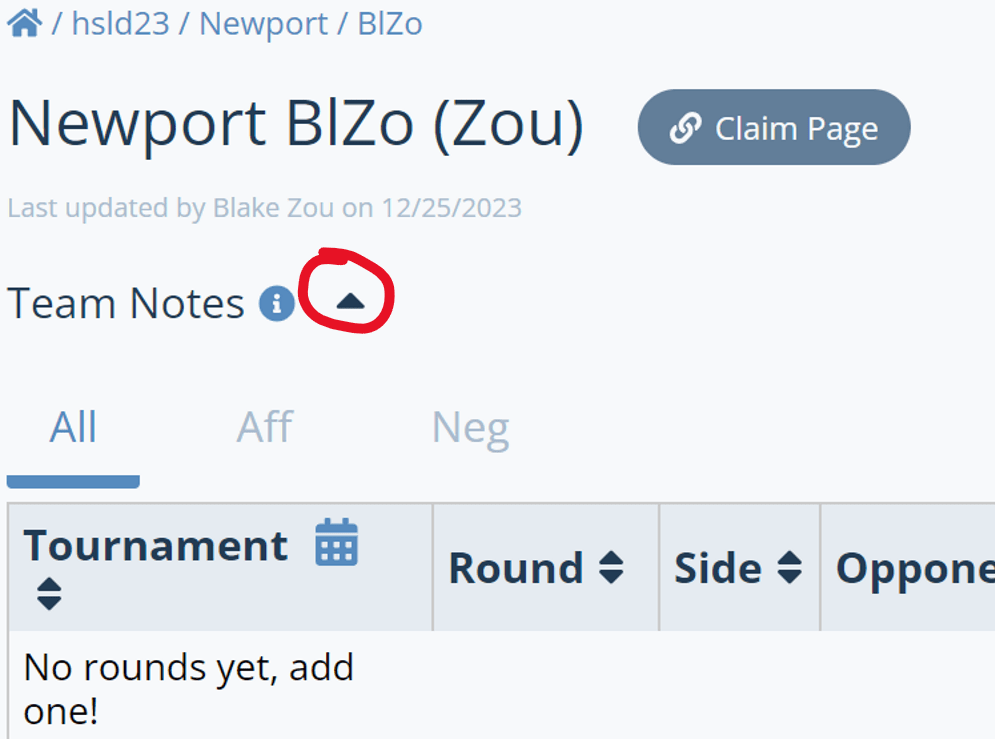
First on setting up: clicking the dropdown on your page opens up a space to put your contact info down.
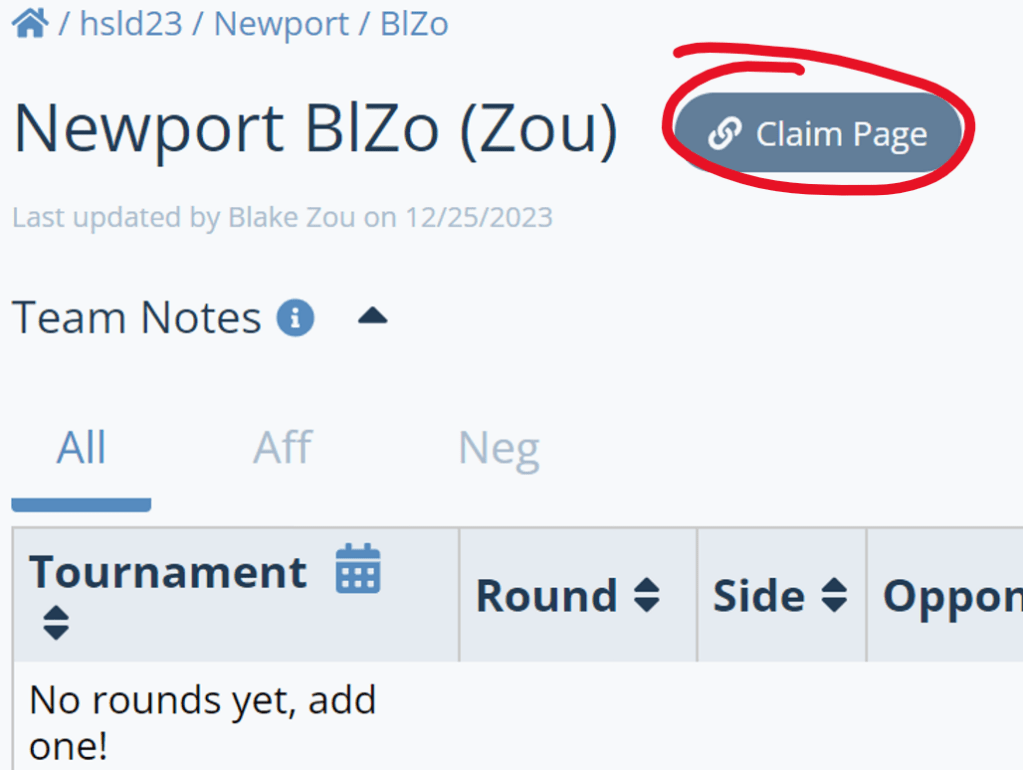
You may also click “Claim Page” to link your Wiki to your Tabroom account so that it can auto-fill rounds when you start disclosing.
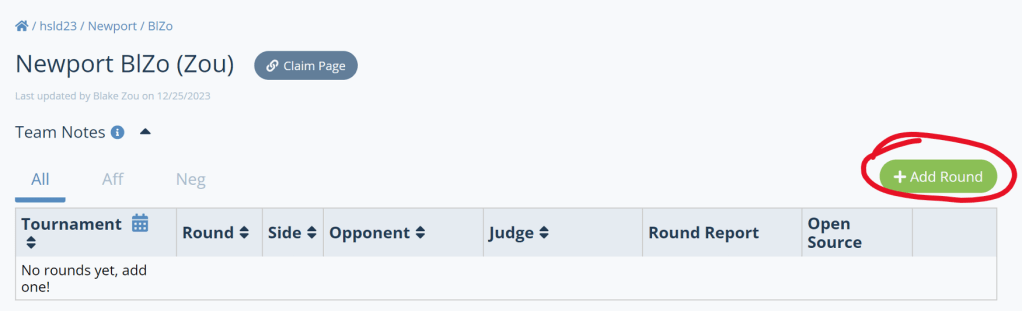
After all that setup, now to actually disclosing your rounds! Use the “Add Round” button.
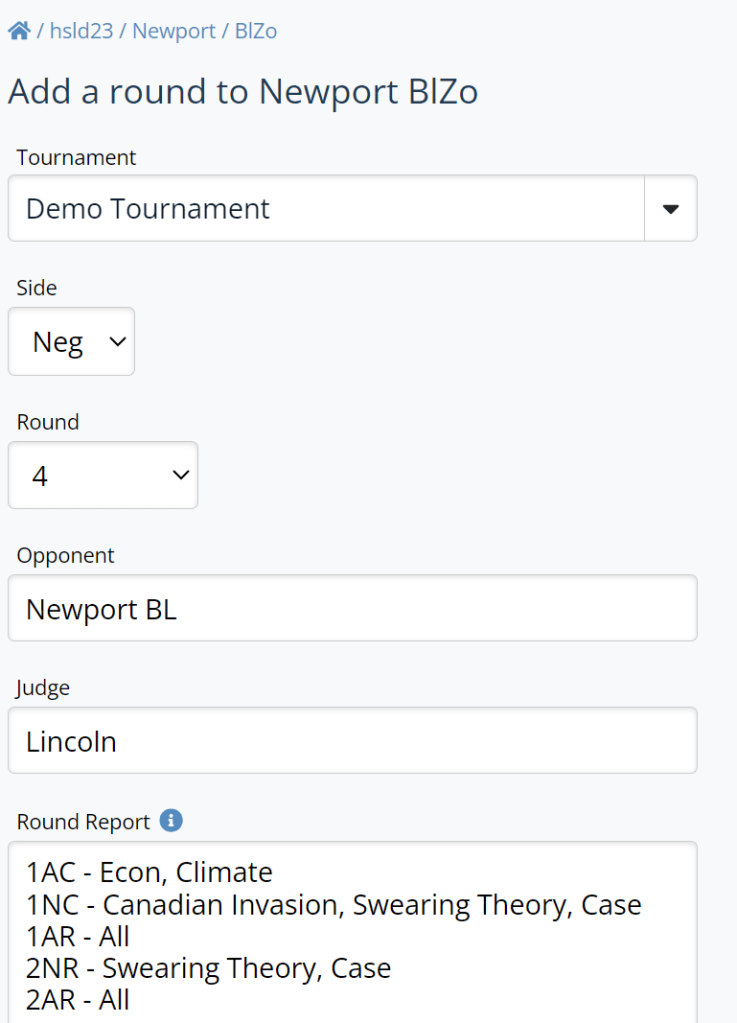
Fill out all the info regarding your round.
Attach the document you used for your 1AC or 1NC (constructive cases) – you don’t need to attach your rebuttals.
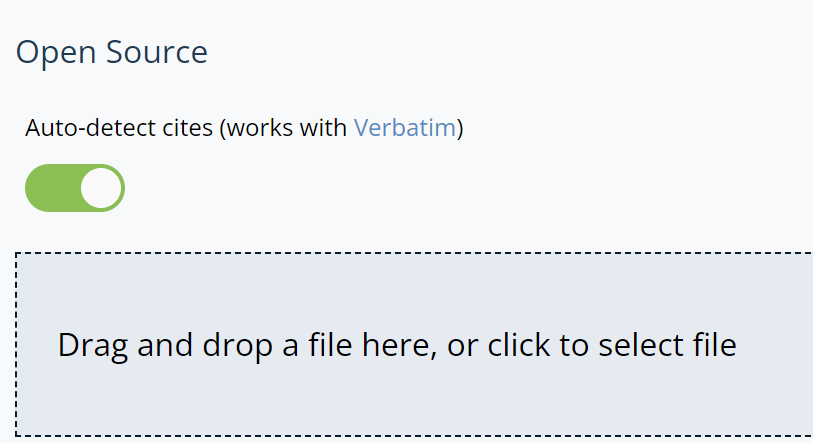
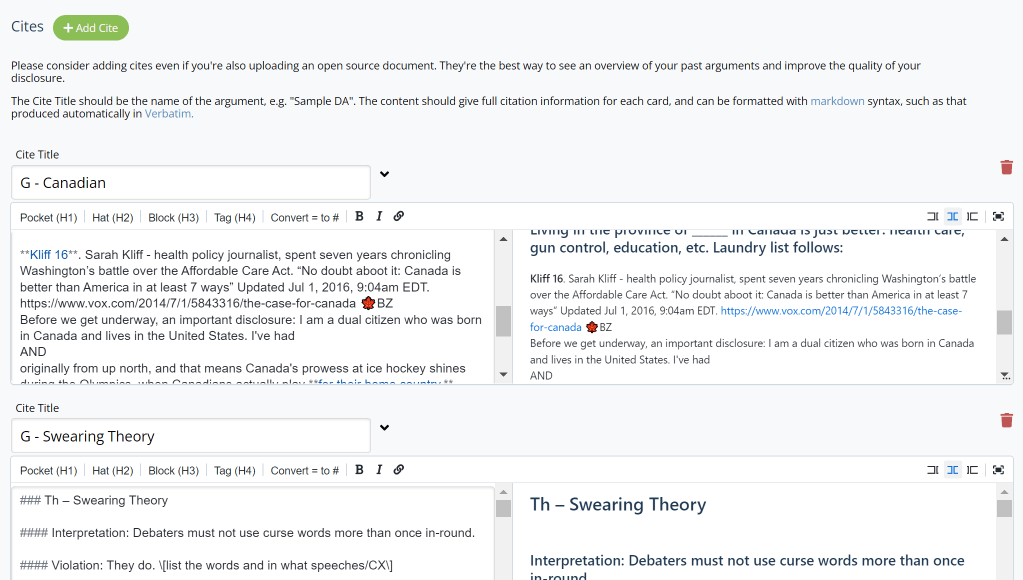
It is also recommended you organize your cites into the new arguments you ran that round, shown below where the Wiki can help you add cites in the format it wants after you upload a file.
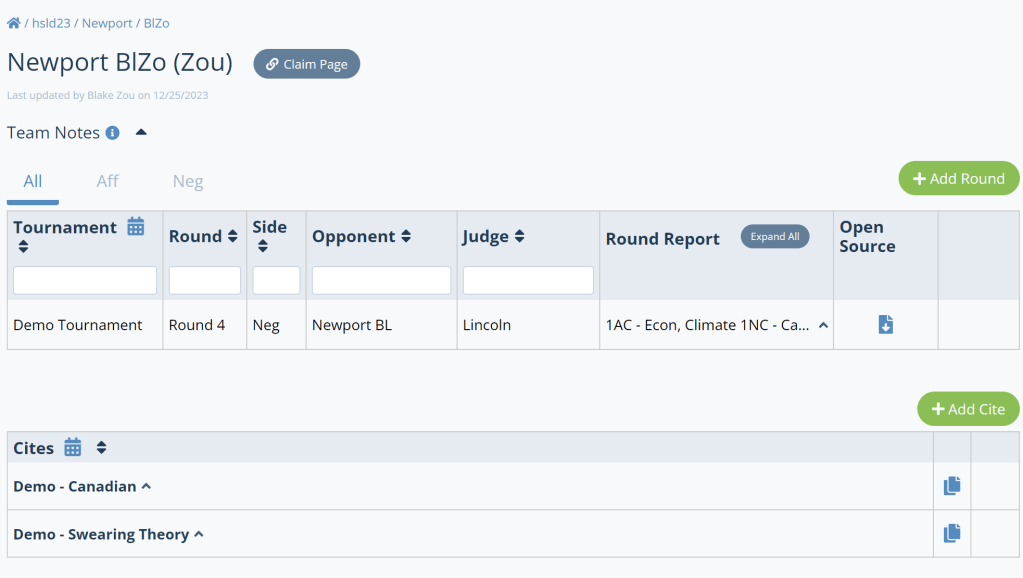
Lastly, add the round and that’s it – congrats on disclosing your first round! Your page should look something like this:

 LD Debate Prep